Gemini 2.5 Computer Use: AI That Browses for You (2026)
Gemini 2.5 Computer Use is Google's new AI model that clicks, types, and scrolls inside a browser on your behalf. Confused by the headline? This explainer breaks down what it does, why it matters for your work, and how you can try it today.
📰 What Just Happened?
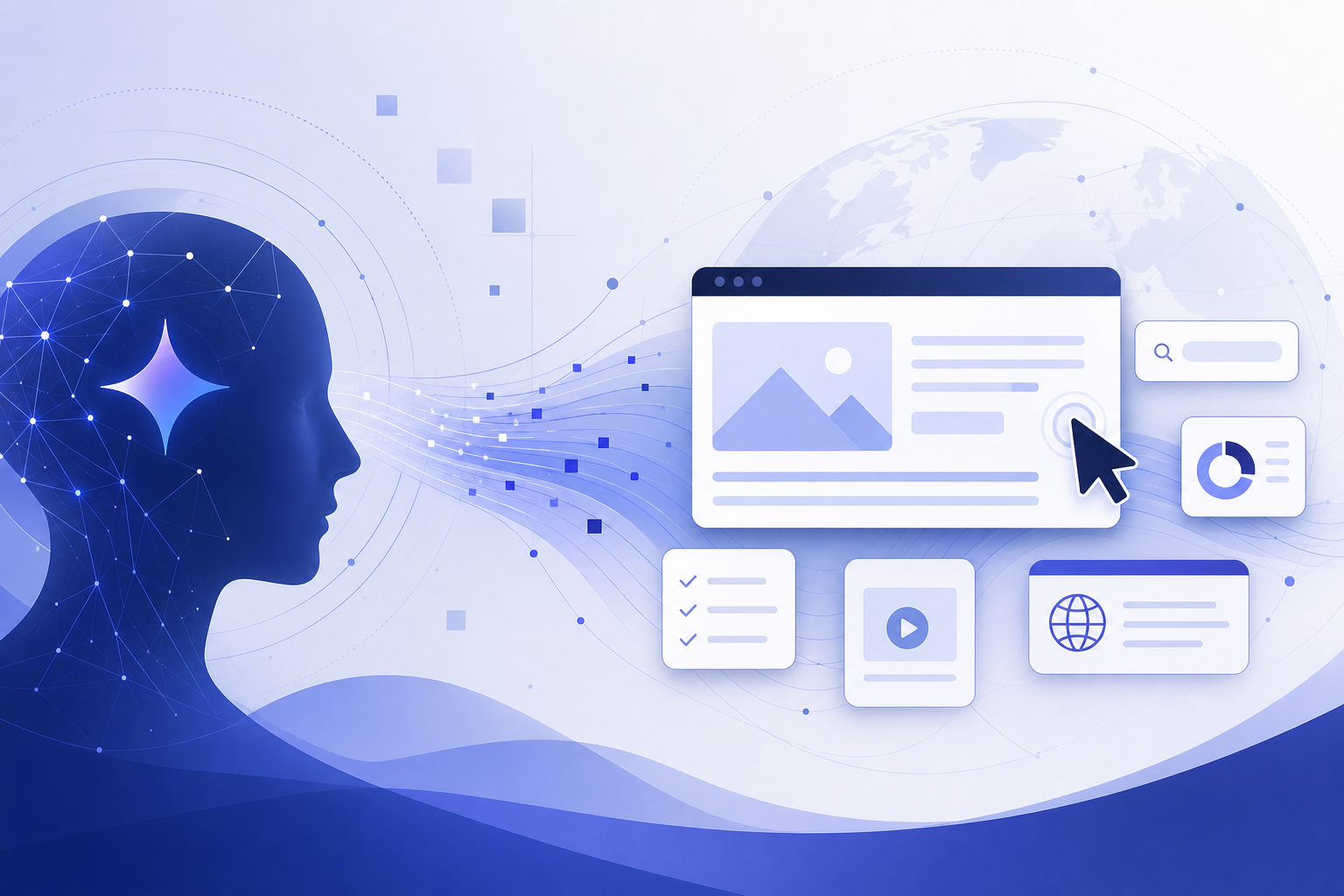
Google DeepMind released the Gemini 2.5 Computer Use model, a specialized version of Gemini built to operate user interfaces the way a person does. Instead of only answering questions in a chat window, this model looks at a screenshot of a web page, decides what to do next, and outputs concrete actions: click this button, type into that field, scroll down, select from a dropdown.
The model builds on Gemini 2.5 Pro's visual understanding and reasoning. Google made it available in public preview through the Gemini API in Google AI Studio and Vertex AI, which means developers can plug it into their own tools right away. Google also reports that it outperforms leading alternatives on web and mobile control benchmarks such as Online-Mind2Web, WebVoyager, and AndroidWorld, and does so with lower latency.
One important detail the headline usually skips: the model is optimized for web browsers, not your entire computer. It shows promise on mobile app interfaces too, but Google says it is not yet optimized for desktop OS-level control. So 'controls your screen' really means 'controls a browser tab' for now.
💼 Why This Matters for Solopreneurs and Knowledge Workers
Here is the practical shift: a huge amount of everyday digital work has no API. Think of filling out a supplier form, reorganizing items in a web dashboard, gathering details from a directory site, or submitting the same information to five different portals. Until now, AI assistants could tell you how to do those tasks. A computer use model can actually do them.
For a solopreneur, this points toward delegating the repetitive browser work that eats your afternoons. Google's own teams already use the model internally for things like UI testing, and early access partners have built assistants that handle multi-step web tasks end to end. The pattern is clear: the browser is becoming something an AI agent can drive while you review the results.
This also matters because it confirms an industry-wide race. Anthropic shipped computer use capabilities for Claude, and OpenAI built browser-operating agents into ChatGPT. When all three major labs invest in the same capability, it stops being a demo and starts being infrastructure. The tools you use in 2026 and beyond will increasingly have an 'agent mode' powered by models like this one.
⚙️ How Gemini 2.5 Computer Use Actually Works
You do not need to be a developer to understand the core idea. The model runs in a loop that mirrors how you use a browser: look, decide, act, look again.
The developer sends the model three things: the user's request, a screenshot of the current screen, and a history of recent actions. The model responds with the next action, such as clicking at specific coordinates or typing text into a field. The developer's code executes that action in a real browser, takes a fresh screenshot, and sends it back. The loop repeats until the task is done or the model asks the user to confirm something risky.
What the model can do
The model works from a set of UI actions that cover most browser behavior: opening a page, clicking, typing, scrolling, dragging and dropping, and selecting options. Because it reads the screen visually from screenshots, it can handle sites that were never designed for automation.
What it cannot do yet
It does not control your operating system, your local files, or desktop apps. It is also designed to refuse certain actions outright, such as bypassing CAPTCHAs. Treat it as a skilled browser operator, not a full computer takeover.
🥊 How It Compares to Claude and ChatGPT Agents
Google is not first to this category, but the release makes the competition three-way. Anthropic pioneered public computer use with Claude, and OpenAI shipped agent features that operate a browser inside ChatGPT. Each takes a slightly different angle, and the table below summarizes the practical differences for a non-developer.
The honest takeaway: for a regular user today, Gemini 2.5 Computer Use is mostly something you experience through products built on top of it, while ChatGPT's agent mode is the most consumer-ready way to watch an AI drive a browser. Google's entry matters because its stated benchmark lead and lower latency push the whole category forward, and because it will likely power agent features across Google's own products.
| Gemini 2.5 Computer Use | Claude computer use | ChatGPT agent mode | |
|---|---|---|---|
| Maker | Google DeepMind | Anthropic | OpenAI |
| Scope today | Browser first, mobile promising | Browser and desktop via developer setup | Browser inside ChatGPT |
| Who can use it | Developers via API, anyone via demo | Developers via API and Claude apps | ChatGPT subscribers |
| Best for | Building agent products, testing the demo | Developer workflows and automation | Consumer-friendly hands-off tasks |
🚀 How to Try It Today
You have two realistic paths, depending on whether you write code.
If you do not code, the fastest option is the public demo hosted by Browserbase at gemini.browserbase.com. It runs the model in a safe, sandboxed virtual browser, so nothing touches your own accounts or data. Type a task like 'find the top three headlines on a news site and summarize them' and watch the model click through the pages in real time. Ten minutes with the demo teaches you more than any article.
If you are comfortable with a little code, the model is available in public preview through the Gemini API in Google AI Studio and in Vertex AI for cloud users. Google's documentation includes a reference loop you can adapt, and standard Gemini API pricing applies. Either way, start with low-stakes tasks and keep a human review step before anything gets submitted or purchased.
- ✔Visit gemini.browserbase.com for the free sandboxed demo
- ✔Give it one small, concrete task and watch each step it takes
- ✔Note where it succeeds and where it stalls, this calibrates your trust
- ✔Developers: open Google AI Studio and try the computer use preview model
- ✔Never hand it live payment details or passwords while experimenting
- ✔Keep a list of your own repetitive browser tasks as future automation candidates
🛡️ Safety Guardrails and Current Limits
An AI that clicks buttons raises obvious worries, and Google addressed them directly in the release. Safety features are trained into the model itself, and a separate per-step safety service inspects every proposed action before it executes. Developers can also require explicit user confirmation before high-stakes actions, such as making a purchase or accepting terms.
The model refuses certain categories of action by design, including bypassing CAPTCHAs and compromising system security. Google positions these guardrails as defenses against scams, prompt injection attempts hidden in web pages, and other misuse.
Still, this is a preview release, and no guardrail list makes an agent infallible. The sensible posture for a solopreneur: experiment enthusiastically in sandboxes, adopt cautiously in real workflows, and always keep confirmation steps on anything involving money, contracts, or customer data.
❓ Frequently Asked Questions
Is Gemini 2.5 Computer Use free to use?
The Browserbase demo at gemini.browserbase.com is free to try in a sandboxed browser. For developers, the model is in public preview through the Gemini API in Google AI Studio and Vertex AI, where standard Gemini API usage pricing applies. There is no separate consumer app or subscription for it as of this writing.
Can Gemini 2.5 Computer Use control my whole desktop?
No. Google optimized the model for web browsers, and it shows promise on mobile app interfaces. It is not yet optimized for desktop OS-level control, so it cannot manage your local files or desktop applications. If you see 'controls your screen' in a headline, read it as 'controls a browser.'
Is it safe to let an AI control my browser?
Google built in several layers of protection: safety training in the model, a per-step safety service that checks each action before it runs, and developer controls that require user confirmation for high-stakes steps like purchases. That said, it is preview software. Test it in the sandboxed demo first, and never give an experimental agent access to live payment methods or passwords.
How is this different from Claude computer use or ChatGPT agent mode?
All three let an AI operate a browser, and the difference is mostly packaging. Claude's computer use targets developers and can extend to desktop environments, ChatGPT's agent mode is the most consumer-ready option inside a subscription, and Gemini 2.5 Computer Use is an API-first model that Google says leads web and mobile control benchmarks with lower latency.
🏁 Final Thoughts
The short version: Google released Gemini 2.5 Computer Use, an AI model that operates a web browser by looking at the screen and clicking, typing, and scrolling like a person. It is browser-only for now, available to developers through the Gemini API in Google AI Studio and Vertex AI, and anyone can watch it work in the free Browserbase demo. For solopreneurs and knowledge workers, this is the clearest signal yet that repetitive browser work is becoming delegable. Spend ten minutes with the demo this week and note which of your own tasks it could take over. If this explainer saved you a research session, subscribe to Agents at Work for plain-English breakdowns of every major AI agent release, and drop a comment with the first browser task you would hand off to an AI.
Last updated: July 16, 2026 · Keyword: Gemini 2.5 Computer Use · Agents at Work


Comments
Post a Comment