Gemini Agents Now Run Background Tasks: What It Means (2026)
Google now lets Gemini agents keep working server-side after your connection drops. Long AI jobs — the kind that used to die the moment your browser closed or your Wi-Fi hiccuped — now run to completion without you babysitting them. Here's what changed, why solopreneurs should care, and what to do about it.
📰 What Happened: Google's Announcement in Plain English
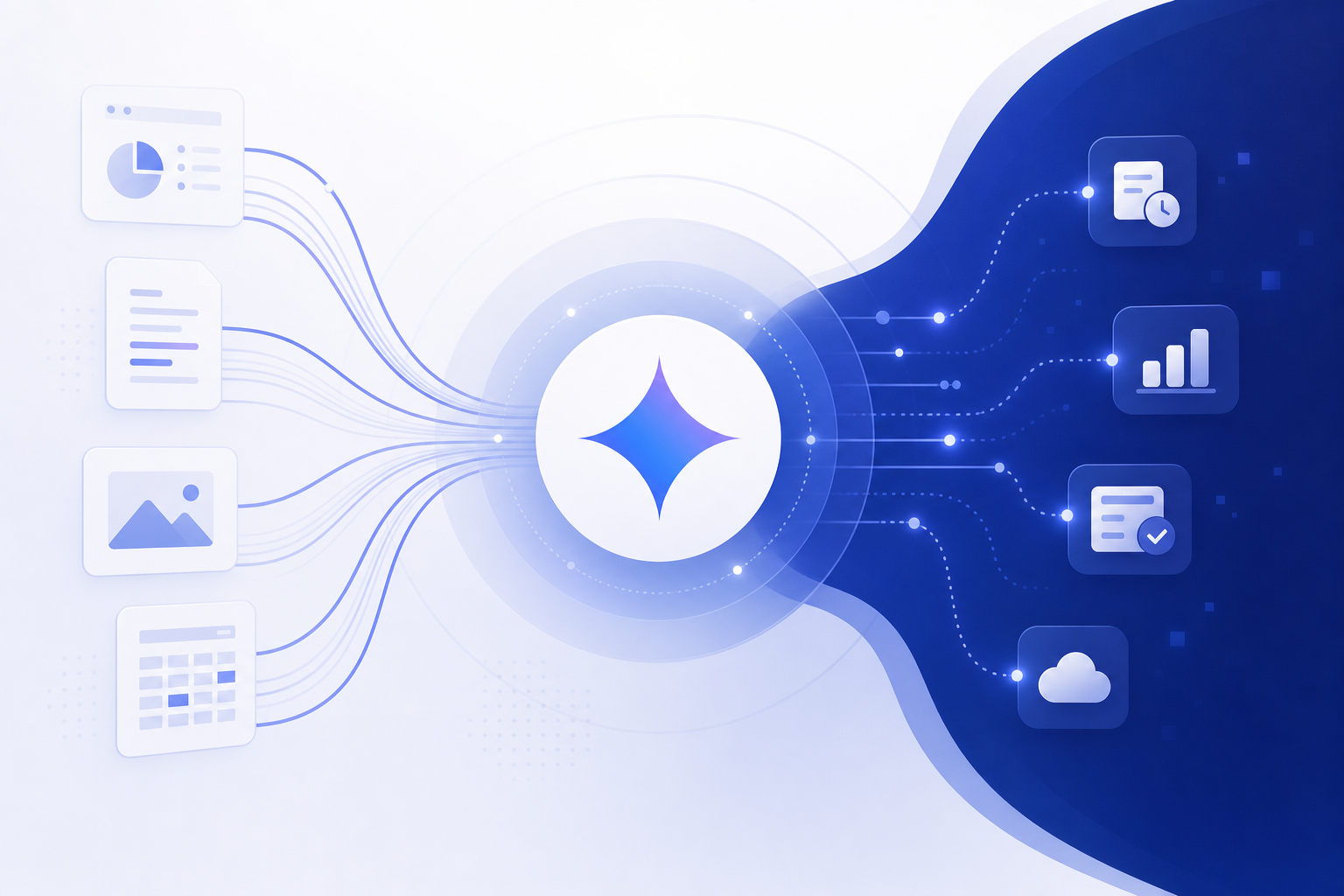
PPC Land reported that Google added background execution to the Gemini API's agent infrastructure — specifically the Interactions API — so AI agents built on Gemini 3 Pro and similar models can keep running long tasks server-side even after your device disconnects.
Before this, AI interactions were 'live-wire' conversations. Your app held an open connection to the model, and if anything interrupted it — closed laptop, refreshed browser, dropped signal — the task usually failed and had to restart from scratch. Fine for a quick chat. A real problem for agents doing deep research, multi-step data analysis, or bulk content jobs that run for several minutes.
With background mode, a developer kicks off a task, disconnects, and comes back later to collect the result or re-attach to the stream mid-run. Google's own Deep Research agent is the primary example of the kind of long-running work this targets. Gemini agents now behave less like a phone call you can't put on hold and more like an employee you hand a task to and walk away from.
The one-sentence version
Google made Gemini agents 'fire and forget.' Long AI tasks now survive dropped connections, closed tabs, and network failures — the work runs on Google's servers, not through your open session.
🔌 Why Breaking Connections Was a Bigger Problem Than It Sounds
If you've ever asked an AI tool to do something ambitious — 'research these 20 competitors' or 'analyze this whole spreadsheet' — and watched it choke halfway through with a generic error, a broken connection was often the culprit. The longer a task runs, the more chances something has to interrupt it: flaky café Wi-Fi, a laptop going to sleep, a mobile browser killing the tab.
For developers, this forced ugly workarounds: keeping connections alive artificially, chopping big tasks into smaller chunks, or building custom retry-and-resume systems. More complexity. More cost. More new ways to fail.
That's why this is infrastructure news, not a shiny feature. It doesn't make Gemini smarter — it makes agents built on Gemini reliable enough to trust with ten-minute tasks, not just ten-second ones. Reliability has always been what held back the 'AI agent that handles your busywork' promise. Not raw intelligence.
💼 Why It Matters for Solopreneurs and Knowledge Workers
You're probably not calling the Gemini API yourself — and you don't need to. What matters here is what this change unlocks in the tools you already use or will use soon.
First, 'walk-away AI' is going to become normal. Competitor research, lead list enrichment, long report drafts, bulk product descriptions — these jobs have always been too long for a live chat session. Background execution lets app makers build 'start it and get notified when it's done' instead of 'sit here and watch a spinner.'
Second, this is Google catching up in an industry-wide race. OpenAI already offers a background mode for long-running tasks, and Anthropic's Claude — currently Claude Sonnet 4.6 and the Claude 4.x family — has leaned hard into long-running agent workflows through Claude Code and the Agent SDK. When all three major labs are building the same plumbing, that's a reliable indicator of where AI products are headed: async work, like a coworker, not a chatbot.
Third — and this is the one that matters most for solopreneurs — asynchronous agents change the economics of your time. AI stops being 'faster answers while I sit here.' It becomes work that happens while you're doing something else entirely, which is a fundamentally different thing. That's the gap between a smarter search box and an actual assistant.
A concrete example
Picture telling an agent Monday morning: 'Compile a summary of what my five competitors published last week.' Under the old model, you'd need to keep the tab open and hope nothing broke. Under background execution, the agent runs on Google's servers while you're on a client call. The summary is waiting when you get back.
⚖️ How Gemini's Background Mode Compares to Other AI Platforms
All three major AI labs now treat long-running, interruption-proof tasks as core infrastructure. The details differ. The direction is the same: move agent work server-side so it survives whatever happens on your end.
Here's a simplified comparison for non-developers. Don't worry about which column wins — the point is that all three are building the same thing, which means every AI app you use will handle long tasks more reliably over the next year.
| Platform | Long-task approach | What a regular user sees |
|---|---|---|
| Google Gemini (Gemini 3 Pro era) | Background execution in the agent/Interactions API; tasks survive dropped connections and can be re-attached | Deep Research and agent features that finish even if you close the tab |
| OpenAI (GPT-5.x era) | Background mode in the API for long-running responses | Deep research and agent tasks in ChatGPT that run while you do other things |
| Anthropic Claude (Claude Sonnet 4.6 / Claude 4.x) | Long-running agent sessions via Claude Code and the Agent SDK, with background task support | Coding and research agents that keep working across long sessions |
🚀 How You Can Act on This Today
You don't need to write code to benefit — but there are concrete steps depending on your comfort level.
If you're a regular user, the easiest entry point is Deep Research in the Gemini app (gemini.google.com): give it a meaty research question and walk away — that's precisely the kind of workload this was built for. Try scheduled or recurring tasks in your other AI tools too, since 'AI that runs without you watching' is the same underlying idea.
If you're slightly technical or curious, Google AI Studio (aistudio.google.com) is the free playground where the newest API features appear first, and the Google AI developer blog (ai.google.dev) has the full background-execution docs. No code required to read them.
If you buy or evaluate AI tools for your business, this gives you a new vendor question: 'Do long tasks keep running if I disconnect?' Tools built on this infrastructure will feel noticeably more solid than ones still running everything through a live session.
- ✔Try Deep Research in the Gemini app with a real business question (competitor scan, market overview)
- ✔Test what happens when you close the tab mid-task — note which of your AI tools survive it
- ✔Bookmark ai.google.dev and PPC Land to follow agent infrastructure news
- ✔If you use AI tools daily, ask vendors whether long tasks run server-side or die with your session
- ✔List 3 recurring tasks in your business that take 10+ minutes — these are your future agent candidates
🔭 What to Watch Next
This announcement is a building block, not a finished product — so the interesting part is what gets built on top of it over the rest of 2026.
Watch for three things. One: consumer-facing 'assign a task' features spreading through Google Workspace and the Gemini app, now that Google has the plumbing to support them. Two: third-party apps — marketing tools, research tools, CRMs — advertising longer, more ambitious AI automations, which is where this infrastructure shows up downstream. Three: matching moves from OpenAI and Anthropic, because reliability improvements from one lab tend to get answered within a few months.
The honest caveat: background execution makes agents more reliable, not more correct. An agent that runs for 20 minutes unsupervised can also be wrong for 20 minutes unsupervised. The winning workflow for solopreneurs will still be 'delegate, then verify' — the delegation just got a lot sturdier.
❓ Frequently Asked Questions
What does 'background tasks without breaking connections' actually mean?
A Gemini-powered agent's work continues on Google's servers even if your device disconnects. Before this, many AI tasks required a continuously open connection — drop that connection and the task often failed. Now developers can start a task, step away entirely, and retrieve the result or re-attach whenever they're ready.
Do I need to be a developer to use this?
No. The feature lives in Google's developer API, but regular users get the benefit through products built on top of it. Deep Research in the Gemini app is the most accessible example of a long-running agent task right now, and more consumer features should follow as app makers adopt this infrastructure.
Is this different from what ChatGPT and Claude offer?
Same category of capability. OpenAI offers a background mode in its API for long-running tasks, and Anthropic's Claude — Claude Sonnet 4.6 and the Claude 4.x family — supports long-running agent workflows through Claude Code and the Agent SDK. Google's move brings Gemini to parity on this dimension.
Does this make Gemini smarter or just more reliable?
More reliable, not smarter. The underlying models — Gemini 3 Pro and others — are unchanged by this. What changes is that long, multi-step agent tasks are far less likely to die from interruptions, which in practice makes the ambitious AI use cases feel much more usable.
🏁 Final Thoughts
The headline sounds technical. The story is simple: Google made Gemini agents durable enough to keep working while you're away. Background execution means long AI tasks — research runs, bulk analysis, multi-step automations — no longer die when a connection drops, and that reliability is what the whole 'AI agent' promise has needed all along. Try Deep Research in the Gemini app this week and notice what it feels like to delegate rather than babysit. If this explainer spared you a jargon rabbit hole, subscribe to Agents at Work for plain-English breakdowns of AI news that actually affects how you work — and drop a comment with the first task you'd hand off to a background agent.
Last updated: July 13, 2026 · Keyword: Gemini agents background tasks · Agents at Work


Comments
Post a Comment