ProtoPie Adds Native MCP Support in 2026: What It Means
ProtoPie now supports MCP natively, letting AI coding tools read real design intent instead of guessing. Here is what happened, why it matters, and how to act on it today.
📰 What Happened: ProtoPie Announced Native MCP Support
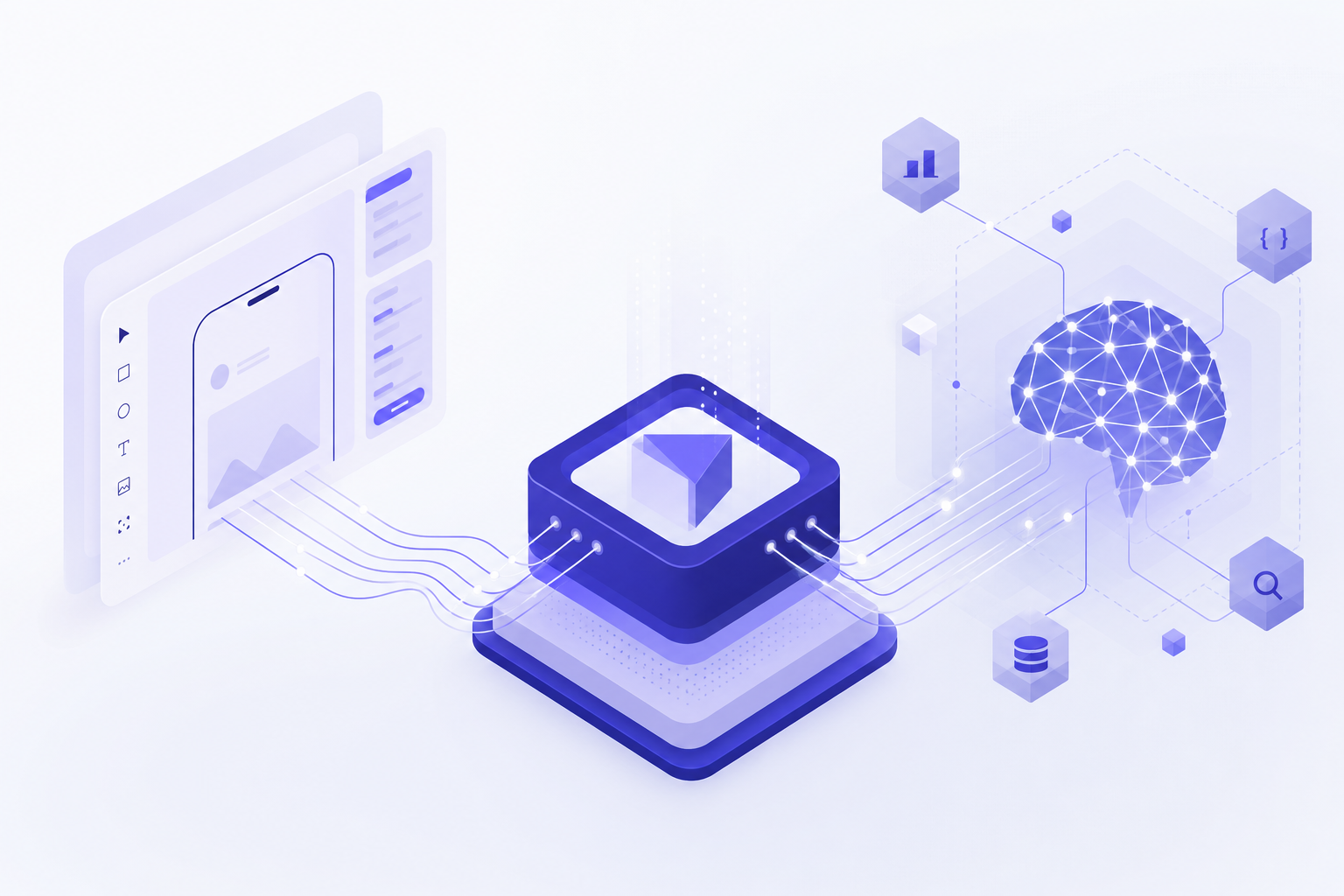
ProtoPie, the high-fidelity prototyping tool used by designers to build realistic, interactive mockups of apps and devices, announced native support for MCP, the Model Context Protocol. The announcement, distributed via EIN News under the headline 'Connecting Human Precision to the Era of AI Vibe-Coding,' positions ProtoPie as a bridge between carefully crafted design prototypes and AI coding assistants.
In plain terms: AI tools like Claude Code, Cursor, and other MCP-compatible assistants can now connect directly to ProtoPie and read the details of a prototype, such as its interactions, triggers, animations, and logic. Before this, an AI assistant could only work from screenshots or written descriptions of what a designer intended.
ProtoPie is made by Studio XID and has long been known for letting designers specify exact interaction behavior, like 'when the user drags this card past 40 percent of the screen, snap it closed with this easing curve.' That level of precision is exactly what AI coding tools tend to lose when they generate code from vague prompts, which is the gap this integration aims to close.
🔌 MCP in Plain English: A USB Port for AI Tools
MCP stands for Model Context Protocol. It is an open standard, originally introduced by Anthropic in late 2024, that lets AI assistants connect to outside apps and data sources in a consistent way. People often describe it as 'a USB-C port for AI': one standard plug that works across many tools.
Since its release, MCP has been adopted well beyond Anthropic's own products. OpenAI, Google, and a long list of developer tools have added support, which is why an MCP integration matters more than a one-off plugin. When a product like ProtoPie ships an MCP server, it instantly becomes readable by any MCP-compatible assistant, whether that is Claude Sonnet 4.6 running inside Claude Code, an agent in Cursor, or another client.
The word 'native' in the announcement matters too. It signals that MCP support is built into ProtoPie itself rather than relying on a third-party community connector, which usually means better reliability and official support.
What an AI assistant can do with an MCP connection
Through MCP, an assistant can query structured data from the connected app instead of guessing from pixels. For a prototyping tool, that means reading the actual interaction logic a designer defined: what triggers exist, what happens on tap or drag, timing, and conditions. The AI then uses that as ground truth when writing production code.
🎯 Why 'Vibe-Coding' Needs Human Precision
Vibe-coding is the practice of describing what you want in plain language and letting an AI write the code. The term took off in early 2025 after Andrej Karpathy described coding by 'giving in to the vibes.' It is genuinely powerful: non-developers now ship working apps every day using tools like Claude Code, Cursor, Lovable, and Bolt.
The weakness of vibe-coding is well known to anyone who has tried it: the AI fills in every detail you did not specify. Say 'make a smooth card swipe' and you get the AI's interpretation of smooth, not yours. For anything where feel matters, like animations, gestures, and micro-interactions, the gap between 'roughly right' and 'exactly right' is where products live or die.
ProtoPie's pitch, 'connecting human precision to AI vibe-coding,' targets exactly that gap. A designer defines the interaction precisely in ProtoPie, and the AI assistant reads that definition through MCP instead of improvising. The human stays in charge of intent and quality; the AI handles the labor of translating it into code. This is the broader direction the whole industry is moving in during 2026: AI does the typing, humans supply the judgment.
💼 What This Means for Solopreneurs and Non-Technical Makers
If you are a solo founder or knowledge worker who builds with AI tools, this news is a signal worth noticing even if you have never opened ProtoPie. It shows where the AI tooling ecosystem is heading: your design tools, your data tools, and your coding assistant are all converging on one shared protocol.
Practically, it changes the workflow for anyone shipping an app or interactive product without a dev team. Instead of writing paragraph-long prompts trying to describe how a screen should behave, you can prototype the behavior visually in a tool built for that, then have your AI assistant read the prototype directly. Less prompt wrestling, fewer 'that is not what I meant' loops, faster shipping.
It is also a hiring-free way to raise quality. Interaction details that used to require a senior front-end developer to get right can now flow from a visual prototype straight into AI-generated code. For a one-person business, that compresses a design-to-development handoff that used to involve multiple people into a single afternoon.
Even if you never use ProtoPie
The takeaway is bigger than one product: when you evaluate any tool in 2026, check whether it has MCP support. Tools that speak MCP plug into your AI workflow; tools that do not become islands you have to copy-paste around.
⚖️ How It Compares: Old Handoff vs MCP-Connected Workflow
To see why this matters, compare the three ways design intent has reached code. The traditional handoff relies on documents and meetings. The early vibe-coding approach relies on prompts and screenshots. The MCP approach gives the AI direct access to the source of truth.
The table below summarizes the differences. The key column is 'fidelity of intent': how much of what the human actually wanted survives the trip into code.
| Workflow | How intent travels | Fidelity of intent | Best for |
|---|---|---|---|
| Traditional handoff | Specs, docs, meetings with developers | High but slow and expensive | Teams with dedicated developers |
| Prompt-only vibe-coding | Written descriptions and screenshots | Low to medium, AI fills gaps | Quick drafts and simple tools |
| MCP-connected workflow | AI reads the prototype's actual logic | High, and fast | Solo makers shipping polished products |
🚀 How to Try It or Act on It Today
You do not need to be a developer to explore this. The setup pattern for any MCP integration is the same: you add the tool's MCP server to your AI assistant's settings, and the assistant gains new capabilities.
Start at protopie.io to check the official announcement and documentation for the MCP feature, including which plans include it. ProtoPie has historically offered a free tier, so you can experiment before committing. On the AI side, you need an MCP-compatible client: Claude Code, Claude Desktop, and Cursor are the most common choices in 2026.
If you are not a ProtoPie user and do not plan to become one, the action item is simpler: audit the tools you already pay for and find out which ones offer MCP support. Most major design and productivity tools have shipped or announced MCP integrations, and connecting even one of them to your AI assistant usually removes a chunk of daily copy-paste work.
- ✔Read the official announcement and MCP docs at protopie.io
- ✔Confirm which ProtoPie plan includes MCP access before subscribing
- ✔Install an MCP-compatible AI client such as Claude Code, Claude Desktop, or Cursor
- ✔Add the ProtoPie MCP server in your AI client's MCP settings
- ✔Test with a small prototype: ask the AI to describe the interactions it can read
- ✔Ask the AI to generate code from one prototype interaction and compare it to your intent
- ✔List your other tools and check each one for MCP support
🔭 What to Watch Next in the MCP Ecosystem
This announcement is part of a clear 2026 pattern: creative and design tools racing to become AI-readable. Figma has pushed hard on its own MCP server for design-to-code workflows, and ProtoPie joining with interaction-level detail extends that to the layer Figma is weakest at, which is motion and behavior.
For readers of this blog, three things are worth watching. First, whether ProtoPie's MCP support becomes two-way, meaning AI agents could build or edit prototypes, not just read them. Second, how AI coding assistants like Claude Sonnet 4.6 and its successors get better at using this structured design data automatically. Third, whether MCP support becomes a standard checkbox on pricing pages the way 'API access' once did.
The direction is consistent: the winning stack for solo builders is a set of specialized tools, each excellent at one thing, all connected to an AI agent through MCP. Every announcement like this one makes that stack more capable.
❓ Frequently Asked Questions
What is ProtoPie and who is it for?
ProtoPie is a prototyping tool from Studio XID that lets designers build highly realistic, interactive mockups of apps and devices without writing code. It is popular with product designers who need to specify exact interaction behavior, like gestures, animations, and conditional logic, before anything gets built.
What is MCP, the Model Context Protocol?
MCP is an open standard, introduced by Anthropic in late 2024, that lets AI assistants connect to external apps and data in a uniform way. Think of it as a universal plug: once a tool ships an MCP server, AI clients like Claude Code, Claude Desktop, and Cursor can read its data and use its features directly.
What does vibe-coding mean?
Vibe-coding means building software by describing what you want in plain language and letting an AI assistant write the code. The term spread in early 2025 after Andrej Karpathy used it. It is fast and accessible, but results depend heavily on how well the AI can infer details you did not specify, which is the gap integrations like this aim to close.
Do I need to know how to code to use ProtoPie's MCP support?
No coding is required to build prototypes in ProtoPie, and MCP setup in clients like Claude Desktop is a configuration step rather than programming. The point of the integration is to let the AI handle the code while you supply the design intent visually. Check ProtoPie's official docs for the exact setup steps and plan requirements.
How is this different from Figma's MCP integration?
Figma's MCP server focuses on visual design data: layouts, components, and styles. ProtoPie's strength is interaction and motion: triggers, gestures, timing, and logic. They address different layers of the design-to-code problem, and many teams will use both, letting an AI assistant read visuals from one and behavior from the other.
🏁 Final Thoughts
The short version: ProtoPie shipped native MCP support, which means AI coding assistants can now read precise, human-designed interaction specs instead of improvising from vague prompts. For solopreneurs and non-technical builders, it is one more sign that the 2026 playbook is 'human precision plus AI labor,' connected through MCP. Check whether your own tools speak MCP this week, because that is quickly becoming the difference between tools that work with your AI agent and tools that sit outside it. If explainers like this help you keep up with AI news without the jargon, subscribe to Agents at Work and drop a comment with the next headline you want unpacked.
Last updated: July 20, 2026 · Keyword: ProtoPie MCP support · Agents at Work


Comments
Post a Comment