Smartsheet Runs a Remote MCP Server on AWS: 2026 Explainer
Smartsheet built a remote MCP server on AWS, and the news sounds technical until you translate it: your AI assistant can now talk to your project data directly. Here is what happened, why it matters, and how you can act on it today.
📰 What Happened: AWS Published Smartsheet's MCP Server Story
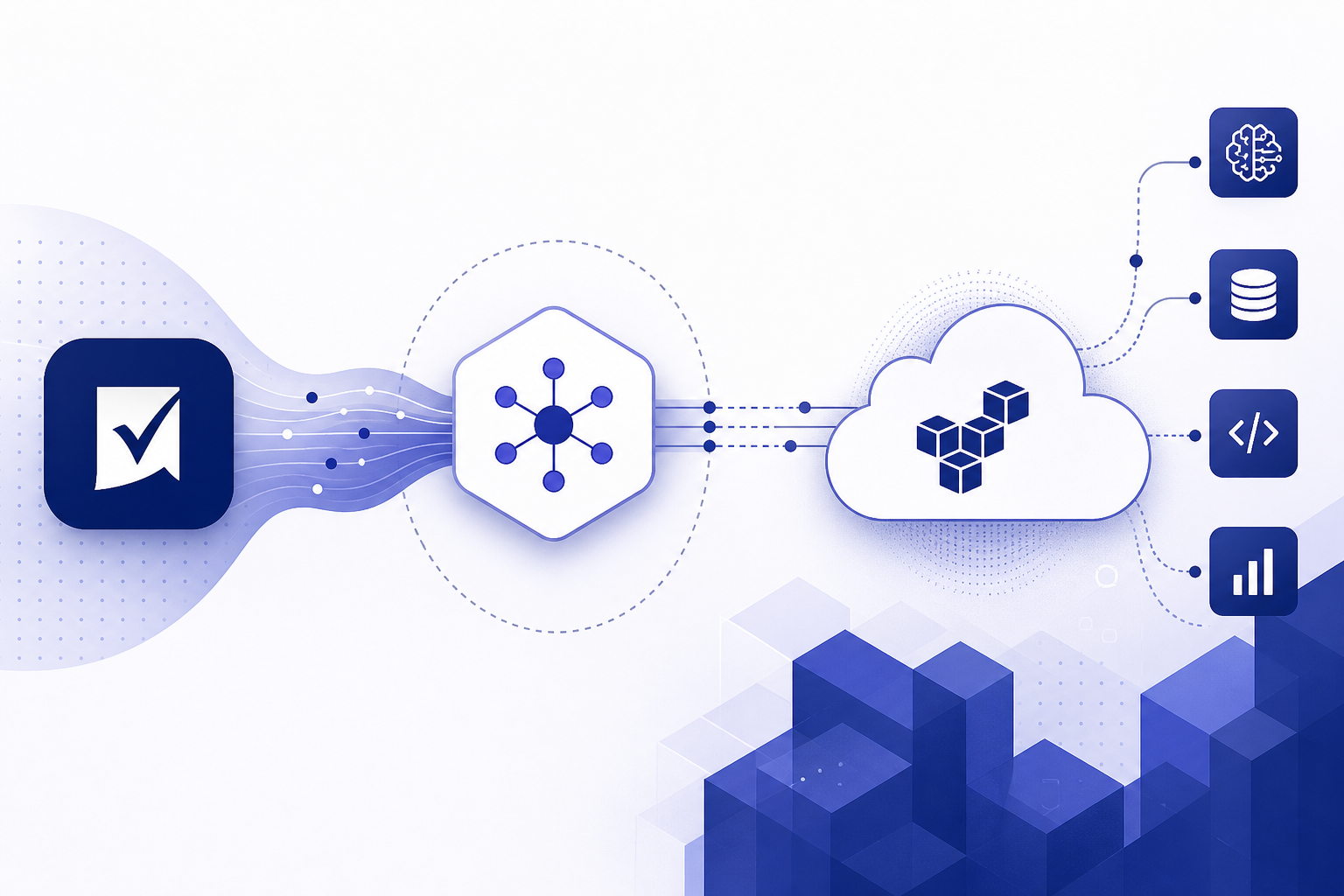
AWS published an engineering post explaining how Smartsheet, the work management platform used for project plans, task tracking, and team dashboards, built a remote MCP server running on AWS infrastructure. MCP stands for Model Context Protocol, an open standard that Anthropic introduced in late 2024. It gives AI assistants a common language for connecting to outside tools and data sources.
In plain terms: Smartsheet built an always-on service, hosted in the cloud, that lets AI assistants such as Claude read and work with your Smartsheet data when you authorize it. Instead of copying and pasting project updates into a chatbot, the assistant can fetch the live information itself.
The reason AWS wrote about it is that this is a case study for other companies. Big software vendors are watching each other closely right now, and a public walkthrough of how one established SaaS company shipped a production MCP server signals that this pattern has moved from experiment to mainstream.
MCP in One Sentence
MCP is often described as a USB-C port for AI: one standard plug that lets any compatible assistant connect to any compatible tool, so every company does not have to build a custom integration for every chatbot.
🌐 Remote vs Local MCP Servers: Why the Word Remote Matters
Early MCP servers mostly ran locally. You had to install software on your own computer, keep it running, and manage API keys yourself. That worked fine for developers and hobbyists, but it shut out everyone else.
A remote MCP server flips that model. The company hosts the server in the cloud, in this case on AWS, and you connect to it the same way you sign in to any app: click, log in, approve access. No terminal, no installation, no config files. That single change is what turns MCP from a developer toy into something a solopreneur or an operations manager can actually use.
Security also improves. With a hosted server, sign-in typically goes through standard OAuth authorization, the same approve-access flow you already know from connecting apps to Google or Slack. You grant access from your own account and you can revoke it later, instead of leaving raw API keys sitting in files on your laptop.
| Aspect | Local MCP Server | Remote MCP Server (Smartsheet's approach) |
|---|---|---|
| Setup | Install and run software on your computer | Sign in and approve access in the browser |
| Who it suits | Developers comfortable with code | Regular users and teams |
| Maintenance | You update and troubleshoot it | The vendor operates it in the cloud |
| Credentials | API keys stored on your machine | OAuth sign-in you can revoke anytime |
| Availability | Only while your machine runs it | Always on, hosted on AWS |
💡 Why This Matters for Solopreneurs and Knowledge Workers
If you run a small business or manage projects, the practical promise is simple: less copy-paste between your AI assistant and your project tracker. When an assistant can read your sheets directly, you can ask questions like which tasks are overdue this week, or ask it to draft a client status update from real project data instead of from your memory.
The bigger signal is about where the whole industry is heading. When a mainstream work management platform ships a remote MCP server, and AWS showcases the build, it tells you that AI assistants are becoming a front door to your existing tools. You will increasingly work through an assistant that reaches into Smartsheet, your calendar, your docs, and your CRM, rather than tabbing between ten apps.
For non-technical readers, the takeaway is reassuring: you do not need to learn to code to benefit. The entire point of the remote model is that connecting AI to your tools becomes a sign-in flow, not a software project. The companies do the engineering once, and every customer gets the connection.
A Concrete Example
Imagine a freelance consultant tracking three client projects in Smartsheet. With an MCP connection, they could ask Claude to summarize open tasks per client, flag anything past its due date, and draft the Monday update email, all grounded in the live sheet rather than a stale export.
🏗️ What AWS's Involvement Tells Us About the AI Stack
You might wonder why AWS is the one telling this story rather than Smartsheet or Anthropic. Cloud providers publish these posts because MCP servers are a new category of workload they want running on their infrastructure. A remote MCP server has to be always available, handle secure sign-in, and scale when thousands of AI assistants start calling it. Those are classic cloud problems.
For readers, the useful insight is that a real ecosystem is forming around MCP. Anthropic created the protocol, tool vendors like Smartsheet expose their data through it, cloud providers like AWS host the servers, and AI assistants such as Claude (including current models like Claude Sonnet 4.6) act as the interface you actually talk to. Other assistants and platforms have also adopted MCP support, which is exactly what you want from a standard: broad buy-in rather than one company's walled garden.
When infrastructure providers, protocol creators, and SaaS vendors all invest in the same standard, that standard tends to stick. Betting your workflow on MCP-connected tools in 2026 looks a lot safer than betting on any single proprietary plugin system did a few years ago.
✅ How to Try It Today: A Practical Starting Checklist
You can act on this news without writing a line of code. The general pattern for connecting any remote MCP server is the same: find the connector in your AI assistant, sign in to the tool, approve access, and start asking questions.
Start small and low-stakes. Connect one tool, ask read-only questions like summaries and status checks, and verify the answers against what you see in the app. Once you trust the connection, graduate to letting the assistant draft updates or create tasks.
One honest caveat: availability depends on your plans and settings. Connector features in AI assistants are often tied to paid tiers, and workspace administrators may need to enable third-party connections. Check the official documentation from Smartsheet and your AI assistant for current requirements rather than assuming.
- ✔Check Smartsheet's official help docs for their MCP server or AI connector availability
- ✔Open your AI assistant's settings and look for connectors or custom connectors (Claude supports remote MCP connectors on paid plans)
- ✔Sign in through the OAuth prompt and approve only the access you need
- ✔Test with read-only questions first, such as summarizing a sheet or listing overdue tasks
- ✔Verify the assistant's answers against the actual sheet before relying on them
- ✔Review connected apps periodically and revoke anything you no longer use
🔒 Risks and Sensible Precautions Before You Connect
Connecting an AI assistant to live business data deserves a moment of thought. The data flows to the assistant when you ask questions, so treat the connection with the same care you would give any third-party app authorization. If your sheets contain client-confidential information, check your contracts and your AI provider's data handling terms first.
Accuracy is the second consideration. Assistants grounded in live data make fewer things up, but they can still misread a column or summarize incompletely. Keep a human review step for anything client-facing, at least until you have seen consistent results.
Finally, mind access scope. Grant the connection from an account that sees only what the assistant needs. If a limited or read-focused option exists, prefer it for your first weeks. These are the same habits you already apply to Zapier-style integrations, applied to a new kind of tool.
❓ Frequently Asked Questions
What is an MCP server in simple terms?
An MCP server is a translator that sits between an AI assistant and an app like Smartsheet. It exposes the app's data and actions in a standard format defined by the Model Context Protocol, so any compatible assistant can connect without a custom integration. Remote means the company hosts it in the cloud, so you just sign in instead of installing anything.
Do I need an AWS account to use Smartsheet's MCP server?
No. AWS is where Smartsheet runs the server behind the scenes, the same way many apps you use every day run on AWS without you knowing. As a user, you only interact with Smartsheet and your AI assistant. The AWS blog post exists for engineers who want to build something similar.
Which AI assistants can connect to remote MCP servers?
Claude has native support for remote MCP connectors on its paid plans, and MCP support has spread across the industry since the protocol launched in late 2024, including adoption by other major AI platforms and developer tools. Check your specific assistant's connector or integrations settings, since availability varies by plan and can change.
Is it safe to connect an AI assistant to my business data?
It can be, with normal precautions. Remote MCP connections typically use OAuth sign-in that you can revoke at any time, which is safer than pasting API keys around. Grant minimal access, start with read-only style questions, review your AI provider's data terms if you handle confidential client data, and audit your connected apps periodically.
🏁 Final Thoughts
The headline sounds like plumbing news, but the story is bigger: Smartsheet building a remote MCP server on AWS is one more sign that AI assistants are becoming the front door to your everyday work tools. You do not need to be a developer to benefit. Check whether your tools offer MCP connectors, connect one through your AI assistant's settings, and start with low-stakes questions. If you found this explainer useful, subscribe to Agents at Work for plain-English breakdowns of AI news, and drop a comment telling us which tool you want your AI assistant connected to next.
Last updated: July 18, 2026 · Keyword: Smartsheet remote MCP server · Agents at Work


Comments
Post a Comment