Verbatik Brings Voice Tools to MCP Assistants in 2026
Verbatik just launched voice tools for MCP-compatible AI assistants, and the 2026 announcement matters more than it sounds. Here is what happened, why it changes how you work with AI, and how to try it today.
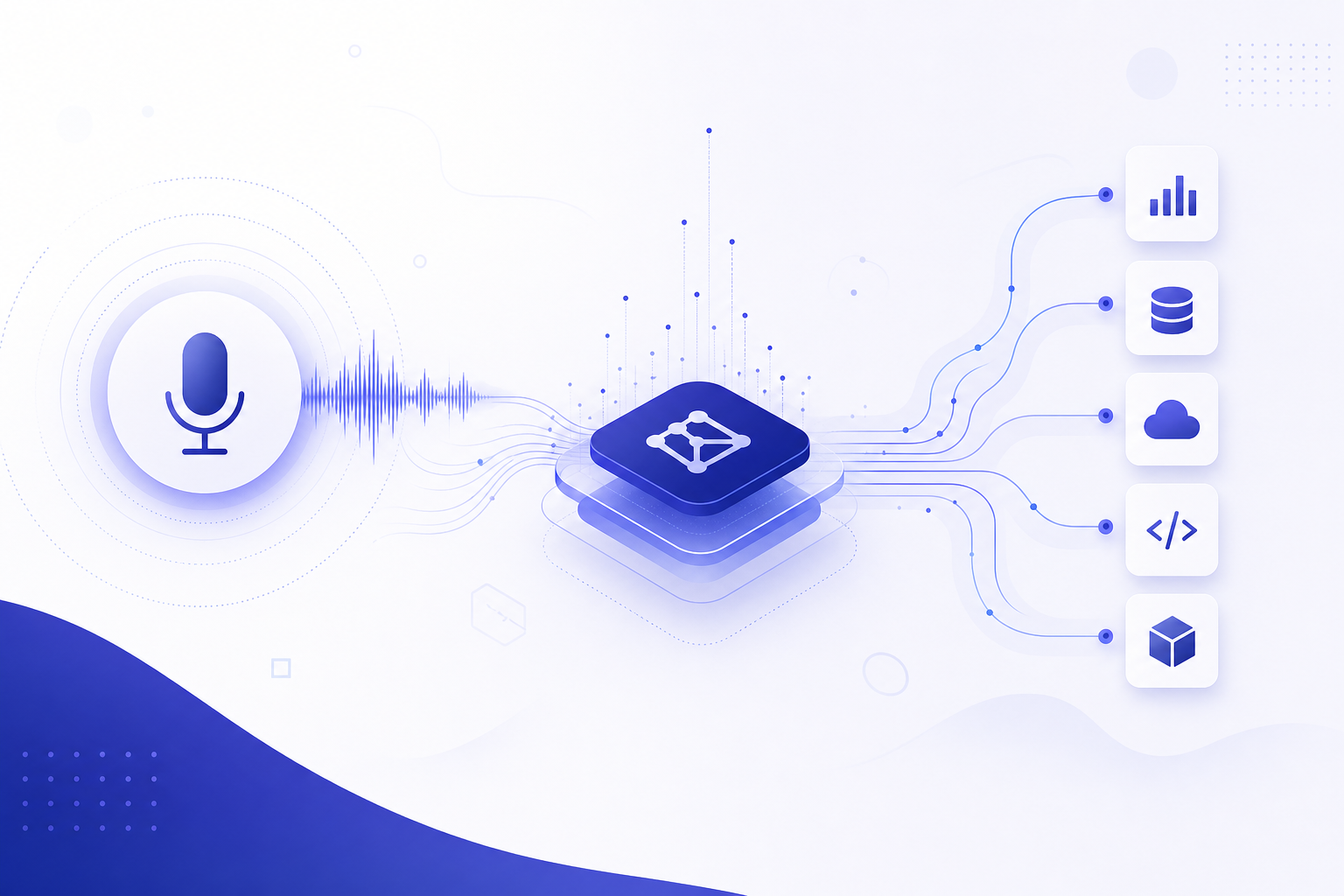
📰 What Happened: Verbatik Launched Voice Tools for MCP-Compatible Assistants
In July 2026, Verbatik, a text-to-speech company known for its library of AI-generated voices in a wide range of languages, announced voice tools built for MCP-compatible AI assistants. StreetInsider carried the announcement.
In plain terms: Verbatik packaged its voice generation technology as a set of tools that AI assistants can call directly. Instead of visiting the Verbatik website, pasting in your text, choosing a voice, and downloading an audio file, you can now ask an assistant that supports MCP to do all of that inside a normal conversation.
MCP stands for Model Context Protocol, an open standard that Anthropic introduced in late 2024. It has since become the common way to connect AI assistants like Claude to outside services. Verbatik joining the MCP ecosystem means voice generation becomes one more thing your assistant can simply do, alongside reading your files or searching the web.
🔌 What Is MCP? A 60-Second Explanation for Non-Developers
Think of MCP as a universal power outlet for AI assistants. Before MCP, every connection between an AI model and an outside service needed custom engineering. A company that wanted its product to work with ChatGPT, Claude, and Gemini had to build three separate integrations.
MCP fixes that. A company builds one MCP server, and any assistant that speaks the protocol can plug into it. Anthropic open-sourced the standard, and it now works across a growing list of AI products, including Claude (currently powered by models like Claude Sonnet 4.6 and Claude Opus 4.8), many desktop AI apps, and developer tools.
When you hear that a product is 'MCP-compatible,' it means your AI assistant can use that product as a tool during a conversation. You ask in plain English, the assistant calls the tool, and the result comes back to you. No coding required on your end.
Why the term keeps showing up in 2026 headlines
MCP has become the default connective tissue of the AI industry. Once one standard wins, every software company wants to be on it, the same way every website eventually needed a mobile version. Verbatik's launch is part of that wave: voice generation is now joining calendars, email, spreadsheets, and design tools as something assistants can operate directly.
💡 Why This Matters for Solopreneurs and Knowledge Workers
If you create any kind of content, this launch removes an entire step from your workflow. Today, turning a blog post into a podcast-style audio version usually means: write the script in one tool, copy it into a text-to-speech tool, pick a voice, generate, download, then upload the file wherever it needs to go. Each handoff costs time and breaks your focus.
With voice tools available through MCP, that chain collapses into one conversation. You can ask your assistant to summarize your article, rewrite it for the ear, and generate the narration in a chosen voice, all in a single thread. The assistant handles the tool calls behind the scenes.
It also matters for people who serve international audiences. Verbatik's core product focuses on multilingual text-to-speech. Combine that with an AI assistant that can translate, and a solo creator can realistically produce localized audio versions of their content without hiring voice talent for each language.
The bigger picture: every MCP launch like this one shifts AI assistants from 'things that write text' to 'things that produce finished deliverables.' For a one-person business, that is the difference between AI as a brainstorming buddy and AI as a production team.
⚖️ Before vs After: Voice Workflows With and Without MCP
The easiest way to see the value is to compare the old workflow with the new one. The table below shows how common voice tasks change when your assistant can call Verbatik's tools directly.
Note that the exact tool names and capabilities depend on what Verbatik exposes through its MCP server, and features can differ between assistant apps. The pattern, however, is consistent: fewer tabs, fewer copy-paste steps, and one conversation from idea to audio file.
| Task | Old workflow (separate tools) | New workflow (MCP-connected assistant) |
|---|---|---|
| Narrate a blog post | Write, copy to TTS site, pick voice, download, upload | Ask the assistant to adapt the text and generate audio in one thread |
| Multilingual audio | Translate in one tool, paste into TTS per language | Ask for translation plus narration in each target language |
| Product demo voiceover | Write script, generate audio, sync manually | Draft the script and request the voiceover in the same conversation |
| Quick audio note or update | Open TTS app, type, export | One sentence request to your assistant |
🚀 How to Try It Today: A Practical Starter Path
You do not need to be a developer to act on this news. Most modern AI assistant apps let you add MCP connectors through a settings menu, often labeled 'connectors,' 'integrations,' or 'extensions.' Claude's desktop and web apps support this directly.
Start small. Connect the tool, generate one short audio clip, and listen to it critically before you build it into a real workflow. Voice quality, language support, and usage limits are the three things to evaluate first. Check Verbatik's official site for current plans and pricing rather than assuming, since terms for API and MCP usage can differ from their standard web plans.
Here is a simple checklist to go from headline to first audio file.
- ✔Check that your AI assistant supports MCP connectors (Claude apps do, and support is spreading across other assistants)
- ✔Visit verbatik.com and look for their MCP or developer documentation
- ✔Create a Verbatik account and get any required API key
- ✔Add the Verbatik connector in your assistant's integrations or connectors settings
- ✔Test with a short paragraph: ask the assistant to generate it as spoken audio
- ✔Compare two or three voices before committing one to your brand
- ✔Review usage limits and pricing on Verbatik's official pricing page before scaling up
🔭 The Bigger Trend: Assistants Are Getting Hands, Not Just Brains
Verbatik's launch is one data point in a clear 2026 pattern. The competition between AI models such as Claude Sonnet 4.6, GPT-4o, and Gemini 2.0 now extends beyond raw intelligence into what those models can actually operate. A brilliant assistant that cannot touch your tools still leaves you doing the manual work.
That is why the MCP ecosystem keeps growing: design tools, email, calendars, e-commerce platforms, and now voice generation. Each new connector makes the assistant you already pay for more capable without you learning anything new.
For readers of this blog, the practical advice is simple: when you evaluate any software subscription in 2026, ask whether it offers an MCP connector. Tools that plug into your assistant compound in value. Tools that stay isolated make you the integration layer, and your time is the most expensive component in your business.
Prompt to try once Verbatik is connected to your assistant: "Take the blog post I paste below and adapt it into a 90-second spoken summary. Keep sentences short and conversational. Then generate the audio using a warm, professional female English voice. [paste post]" Swap the voice description, length, or language to fit your use case.
❓ Frequently Asked Questions
What is Verbatik?
Verbatik is a text-to-speech platform that generates AI voices from written text, with a focus on offering many voices across a large number of languages. It is used for voiceovers, audio content, e-learning, and similar tasks. With this launch, its voice generation is available as tools that MCP-compatible AI assistants can call directly.
What does MCP-compatible mean?
MCP is the Model Context Protocol, an open standard introduced by Anthropic in late 2024 that lets AI assistants connect to outside tools and services. An MCP-compatible assistant, such as Claude, can plug into any service that offers an MCP server. For you, it means asking the assistant in plain English and letting it operate the tool behind the scenes.
Do I need coding skills to use Verbatik with an AI assistant?
Generally no. Most assistant apps that support MCP let you add connectors through a settings menu, usually by pasting a server address or an API key from your Verbatik account. Follow Verbatik's official setup documentation for the exact steps, since they vary slightly between assistant apps.
Is Verbatik free to use through MCP?
Verbatik operates on a paid model with plans listed on its website, and connector or API usage may follow different terms than its standard web plans. Check the official Verbatik pricing page for current details before building it into a paid workflow. This article avoids quoting prices because they change frequently.
🏁 Final Thoughts
The short version: Verbatik plugged its text-to-speech engine into the MCP ecosystem in July 2026, which means AI assistants like Claude can now generate voice audio for you inside a normal conversation. For solopreneurs and knowledge workers, this removes the copy-paste shuffle between writing tools and voice tools, and it opens a realistic path to multilingual audio content without extra staff. The move also confirms the bigger 2026 trend: the assistants winning your workday are the ones with the most useful connectors, not just the smartest models. If you found this explainer useful, subscribe to Agents at Work for plain-English breakdowns of AI news that actually affects how you work, and drop a comment telling us which tool you want connected to your assistant next.
Last updated: July 17, 2026 · Keyword: Verbatik MCP voice tools · Agents at Work
Comments
Post a Comment