Workable MCP Server Hits 94 Tools: What It Means in 2026
Workable just expanded its MCP server to 94 tools, letting AI assistants like Claude handle the full hiring and HR lifecycle. Here is what happened, why it matters for solopreneurs and small teams, and how you can try it today.
📰 What Happened: Workable Expanded Its MCP Server to 94 Tools
Workable, the hiring and HR platform used by tens of thousands of companies, announced an expansion of its MCP (Model Context Protocol) server from a smaller initial toolset to 94 tools, as reported by The Manila Times. In plain terms, this means AI assistants that support MCP can now reach into Workable and perform real actions across the entire hiring and HR lifecycle, not just read data.
MCP is an open standard, originally introduced by Anthropic in late 2024, that acts like a universal adapter between AI assistants and software products. Instead of a company building a separate integration for every AI chatbot, it builds one MCP server, and any compatible assistant can connect to it. Claude, ChatGPT, and a growing list of agent platforms support the standard.
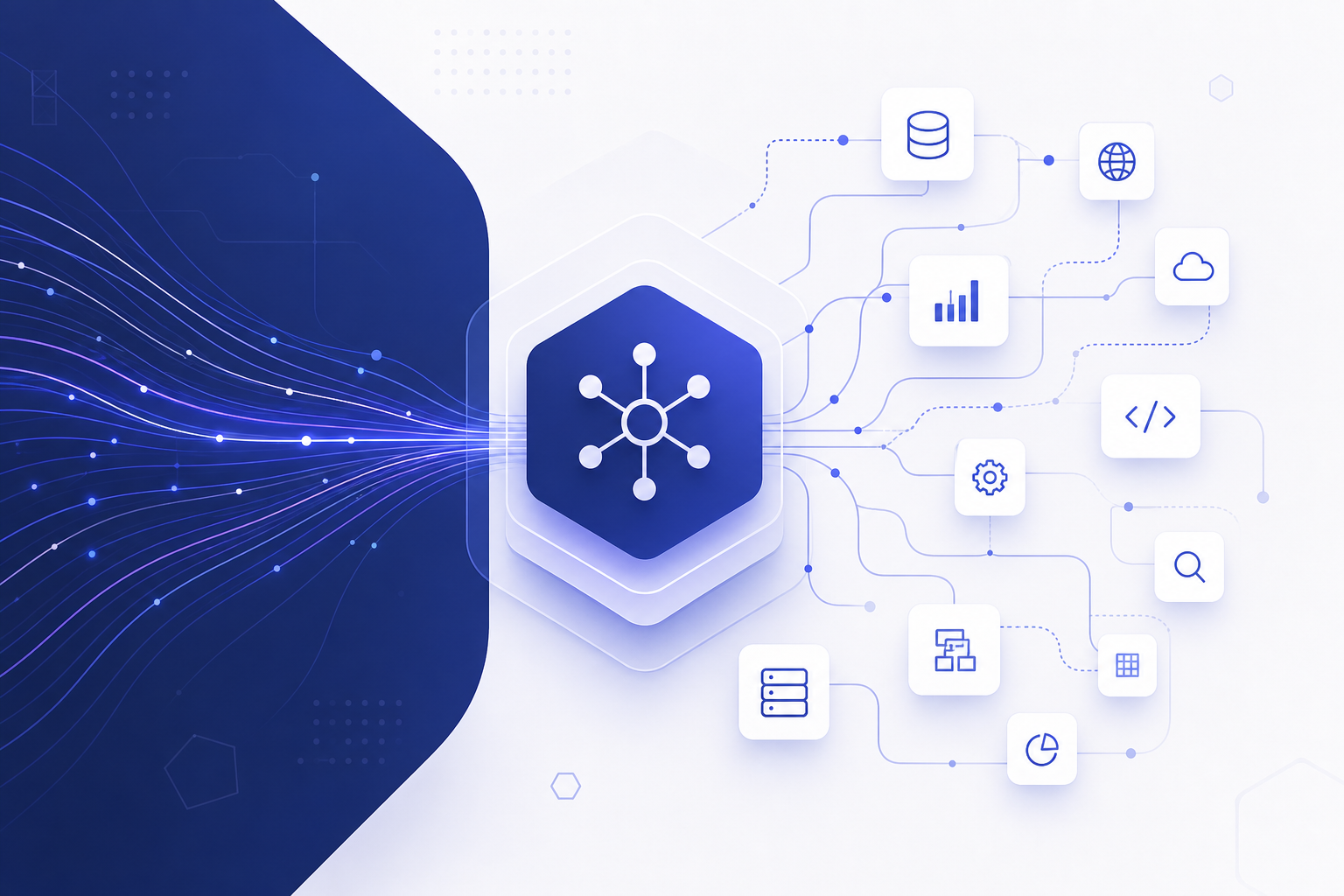
The headline number matters because 94 tools is broad coverage, not a demo. Early MCP servers from SaaS companies typically shipped with a handful of read-only tools, things like 'search candidates' or 'list jobs.' Expanding to 94 tools signals that Workable is exposing the full product surface: recruiting, candidate management, interview coordination, and the HR side that kicks in after someone is hired, such as employee records and time-off workflows.
MCP in One Sentence
MCP (Model Context Protocol) is a standard plug that lets an AI assistant securely connect to an app, see its data, and take actions inside it on your behalf, with your permission and your login.
💡 Why This Matters If You Are Not a Developer
If you run a small business or handle hiring alongside ten other jobs, the practical shift is this: hiring admin becomes something you can delegate to an AI assistant in plain English. Instead of clicking through an ATS (applicant tracking system) to screen applicants, schedule interviews, and send follow-ups, you describe the outcome you want and the assistant executes the steps inside Workable.
This is part of a bigger 2026 trend. Software companies are racing to make their products 'agent-ready.' Shopify, Notion, Slack, and many others already run MCP servers, and HR tech is now catching up. The companies betting on MCP are betting that a growing share of users will interact with their product through an AI assistant rather than through the product's own interface.
For solopreneurs, the leverage is real. Hiring is one of the most process-heavy things a small team does: writing job descriptions, posting to boards, screening resumes, coordinating calendars, sending rejections kindly, and preparing offers. Each step is simple but the volume adds up. An assistant connected to Workable can compress hours of that clicking into a few conversational requests.
A Concrete Example
Imagine typing into Claude: 'Look at the new applicants for my marketing role, shortlist the five strongest based on the job requirements, and draft interview invitations for next week.' With an MCP connection to Workable, the assistant can actually read the candidate list, apply your criteria, and prepare those actions for your approval, instead of just giving you generic advice.
🔄 What the Full Hiring and HR Lifecycle Coverage Looks Like
The phrase 'full hiring and HR lifecycle' in the announcement is the key detail. Workable started as an applicant tracking system but has grown into a broader HR platform, and the expanded MCP server reflects that. Based on the announcement, the toolset spans the journey from opening a role to managing the person after they join.
Here is a simplified comparison of what a typical early MCP integration offered versus what full-lifecycle coverage means in practice. The exact tool list lives in Workable's developer documentation, so treat this table as a conceptual map rather than an official spec.
| Lifecycle Stage | Early MCP Servers (Typical) | Full-Lifecycle Coverage (Workable's Direction) |
|---|---|---|
| Job creation | List existing jobs | Create and edit job postings |
| Sourcing and screening | Search candidates (read-only) | Review, tag, and move candidates through stages |
| Interviews | Not covered | Coordinate scheduling and interview feedback |
| Offers and hiring | Not covered | Support offer and hiring workflows |
| HR after hire | Not covered | Employee records, time off, and HR admin tasks |
🛠️ How to Try It Today: A Practical Starting Path
You do not need to be a developer to benefit, but you do need two things: a Workable account and an AI assistant that supports MCP connectors. Claude (claude.ai, running models like Claude Sonnet 4.6) supports adding custom connectors in its settings, and ChatGPT supports MCP-based connectors for developer and business users as well.
The general path is the same across assistants. You find Workable's MCP server address in their developer or integrations documentation, add it as a connector in your AI assistant's settings, authenticate with your Workable login, and approve the permissions. From then on, the assistant can see and act on your hiring data when you ask it to.
Start small and low-stakes. Ask the assistant to summarize your open roles or list new applicants before you let it draft messages or move candidates. Every serious MCP setup keeps a human approval step for outward-facing actions like emailing a candidate.
- ✔Confirm you have admin or appropriate access on your Workable account
- ✔Check Workable's official docs or help center for the MCP server URL and setup guide
- ✔Open your AI assistant's connector settings (for example, Settings > Connectors in Claude)
- ✔Add the Workable MCP server and complete the login authorization
- ✔Test with a read-only request first, such as 'summarize my open jobs'
- ✔Keep approval on for any action that contacts a candidate
⚠️ The Caveats: Permissions, Privacy, and Judgment Calls
Hiring data is sensitive data. Candidate resumes, salary expectations, and interview notes flow through an ATS, and connecting an AI assistant to that system means the assistant can read what your permissions allow. Before connecting, check what your local regulations say about processing applicant data, especially if you hire in the EU where GDPR applies.
There is also a judgment question. AI assistants are excellent at summarizing applicants and drafting communication, but hiring decisions carry legal and ethical weight. Several jurisdictions, including New York City and the EU under the AI Act, regulate automated employment decision tools. The safe pattern is clear: let the AI do the paperwork, and keep a human making the actual decisions about people.
Finally, remember that 94 tools available does not mean 94 tools you should enable. Most MCP setups let you approve actions per request. Keeping that friction in place for anything candidate-facing is not a limitation, it is good practice.
🌐 The Bigger Picture: HR Software Is Going Agent-First
Workable's move is one data point in a pattern that has defined 2025 and 2026: the interface for business software is shifting from dashboards to conversations. When a company expands its MCP server from a starter set to 94 tools, it is telling the market that it expects AI assistants to become a primary way customers use the product.
For competitors in the HR space, this creates pressure. Platforms that stay closed to AI assistants risk feeling slow next to platforms where a user can say 'move the three finalists to the offer stage and draft the offer letters' and watch it happen. Expect similar announcements from other ATS and HRIS vendors through 2026.
For you as a reader of Agents at Work, the takeaway is strategic: when you evaluate any business tool in 2026, 'does it have an MCP server?' is now a fair question to ask, right next to pricing and features. Tools that speak MCP will slot into your AI workflows. Tools that do not will remain islands you have to visit manually.
❓ Frequently Asked Questions
What is an MCP server in simple terms?
An MCP server is a standardized connection point that lets AI assistants like Claude or ChatGPT securely access an app's data and features. Think of it as a universal power outlet: the app installs one outlet, and any compatible AI assistant can plug in, with your permission and your login controlling what it can see and do.
Do I need to know how to code to use Workable's MCP server?
No. Modern AI assistants let you add MCP connectors through a settings menu. You paste the server address from Workable's documentation, log in with your Workable account, and approve the permissions. The technical work of building the integration was done by Workable; you just connect and start asking in plain English.
Is it safe to let an AI assistant access my hiring data?
It can be, if you treat it like giving access to a new team member. The connection uses your own account permissions, so the AI cannot see more than you can. Best practices: start with read-only requests, keep manual approval for any action that contacts candidates, and check your data protection obligations (such as GDPR) before connecting systems that hold applicant information.
Which AI assistants can connect to MCP servers in 2026?
MCP started as an Anthropic standard and Claude has the deepest support, including custom connectors on claude.ai and in Claude Code. OpenAI added MCP support to ChatGPT and its Agents tooling, and many agent platforms and developer tools (such as Cursor and other IDE agents) also speak MCP. Check your assistant's connector or integration settings for current support.
🏁 Final Thoughts
The short version: Workable expanded its MCP server to 94 tools, which turns AI assistants from hiring advisors into hiring operators that can work across the full recruiting and HR lifecycle. For solopreneurs and small teams, that means the most tedious parts of hiring, screening, scheduling, and follow-up can now be delegated in plain English while you keep the final say on people decisions. If you use Workable, spend ten minutes this week connecting it to your AI assistant and testing one read-only request. If you found this explainer useful, subscribe to Agents at Work for plain-English breakdowns of AI news you can actually act on, and drop a comment with the first hiring task you would hand off to an AI assistant.
Last updated: July 21, 2026 · Keyword: Workable MCP server · Agents at Work


Comments
Post a Comment