Grafana gcx and MCP Server Hit GA in 2026: What It Means
Grafana's gcx CLI and MCP server just reached general availability in 2026. Confused by the jargon in this AI agent news? This explainer breaks it down in plain English.
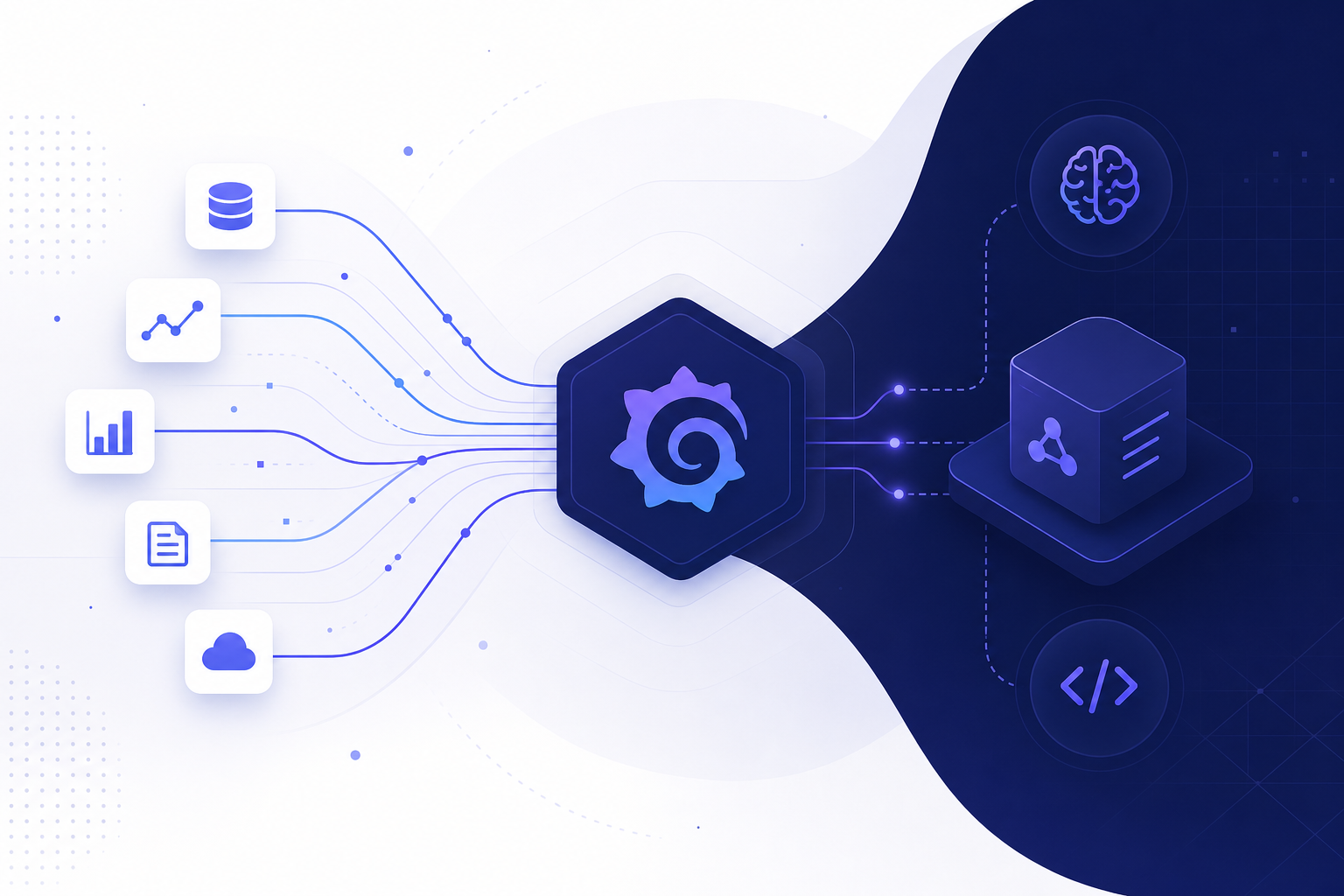
📰 What Happened: Grafana's Two AI Agent Tools Reached General Availability
Grafana Labs, the company behind the popular open-source dashboard and monitoring platform, announced that two of its tools are now generally available: the gcx command-line tool and the Grafana MCP server. Both were first shown at GrafanaCon 2026 in April, and InfoQ reported the GA milestone in August 2026.
In plain terms, GA means these tools graduated from preview status. Grafana now considers them stable enough for everyday production use, not just experiments.
What do they actually do? Both tools let AI coding agents, such as Claude Code or Cursor, look at live monitoring data (metrics, logs, traces, SLOs, and synthetic monitoring results) from a Grafana setup. Instead of an AI writing code based only on its training data, the AI can now check how a real system actually behaves before it makes decisions. Grafana calls this approach telemetry-driven development.
🔍 gcx vs Grafana MCP Server: What Each Tool Does
The two tools solve the same core problem from different angles. According to Grafana Labs, the MCP server provides opinionated tools for common tasks, while gcx offers a broader, less opinionated toolkit for building custom workflows.
MCP stands for Model Context Protocol, an open standard (originally introduced by Anthropic) that lets AI assistants connect to outside data sources through a common plug. Think of it as a universal adapter: once a tool speaks MCP, almost any modern AI assistant can use it. The Grafana MCP server is that adapter for Grafana data, and you can run it yourself or use a hosted endpoint on Grafana Cloud.
gcx is a command-line tool that works with Grafana Cloud as well as self-hosted open-source and Enterprise instances. It includes commands like pulling production dashboards to your machine and installing ready-made agent skills, which are packaged instructions that teach an AI agent how to use Grafana well.
Quick Comparison
If you just want your AI assistant to answer questions about your system, the MCP server is the simpler on-ramp. If you or your developer want to build custom automation around dashboards and telemetry, gcx gives you more building blocks.
| Feature | Grafana MCP Server | gcx CLI |
|---|---|---|
| Style | Opinionated, ready-made tools | Flexible building blocks |
| Best for | Connecting AI assistants quickly | Custom workflows and automation |
| Where it runs | Self-hosted or Grafana Cloud hosted endpoint | Local terminal, works with Cloud, OSS, Enterprise |
| Typical user | Anyone using an MCP-capable AI assistant | Developers and power users |
| Data it can reach | Metrics, logs, traces, SLOs, synthetic monitoring | Same, plus dashboard pull and agent skills install |
💡 Why This Matters Even If You Never Write Code
The headline sounds deeply technical, but the underlying shift affects anyone who relies on software or AI agents. The biggest weakness of AI coding agents today is that they generate code fast, but they guess about the real world. They assume how much traffic a system gets, how slow a database is, or what errors actually happen.
This release attacks that weakness directly. InfoQ describes a concrete example: an agent adding a new payment provider checks live RED metrics first, sees that the existing provider's p95 latency is two seconds, and then uses that real number to set realistic test conditions. The agent grounds its decisions in observed behavior instead of assumptions.
For solopreneurs and small teams, this is part of a larger trend worth tracking: AI agents are gaining eyes. Throughout 2025 and 2026, the big story moved from chatbots that talk to agents that act, and now to agents that verify. An agent that can check whether its own change actually worked in production needs far less human babysitting. If you hire freelance developers or run a small SaaS, tools like this mean AI-assisted work gets checked against reality, which lowers the risk of shipping broken changes.
The Trust Gap in AI Coding
Surveys and industry commentary throughout 2025 and 2026 repeated one theme: developers use AI heavily but do not fully trust its output. Telemetry-driven development is one of the first mainstream answers to that trust gap, because it replaces "the AI thinks this is fine" with "the AI checked the data and confirmed it."
🩺 Telemetry-Driven Development Explained in One Analogy
Imagine two doctors. The first prescribes medicine based only on textbooks. The second checks your actual blood test results first, then prescribes. Both know medicine, but you trust the second one more.
Telemetry-driven development turns AI coding agents into the second doctor. Telemetry is the stream of health data a running system produces: metrics (numbers like response time), logs (event records), and traces (the path a request takes through your system). Grafana has collected and visualized this data for years for human engineers. The news is that AI agents can now read it too, through gcx and the MCP server.
The loop looks like this: the agent reads live data, writes code informed by that data, ships the change, then reads the data again to confirm the change behaved as expected. Grafana also connects this to its k6 load-testing tool, which ships its own agent-skill bundle so agents can author tests based on observed traffic patterns. There is even an experimental Agentic Testing feature that validates user interface flows in live applications using natural-language instructions.
🚀 How to Try It Today: 5 Practical Steps
You do not need to be a developer to explore this, though the setup does involve a terminal. If you already use an AI coding assistant such as Claude Code or Cursor, you can connect it to Grafana data in an afternoon.
Start with the source material: the original report at infoq.com (search for "Grafana gcx MCP Server GA") and Grafana's own blog post titled "Telemetry-driven development" at grafana.com/blog. Both walk through the workflow with examples.
If you want a safe sandbox, Grafana points to the grafana/otel-lgtm Docker image, which runs a complete local observability stack on your own machine. Nothing touches production, so it is a risk-free way to see an AI agent query real telemetry. If you run a business and someone else handles your tech, the practical action is simpler: forward this news to your developer and ask whether your AI-assisted workflow verifies changes against real data.
- ✔Read the InfoQ article and Grafana's telemetry-driven development blog post
- ✔Check whether you have a Grafana Cloud account or a self-hosted Grafana instance
- ✔Connect your AI assistant to the Grafana MCP server (self-hosted or the hosted Grafana Cloud endpoint)
- ✔Optional for tinkerers: spin up the grafana/otel-lgtm Docker image for a local, risk-free sandbox
- ✔Ask your AI agent a real question, such as "What was our slowest endpoint this week?", and compare its answer to your dashboard
🔭 What to Watch Next in Agent Observability
This GA release is a signal, not an endpoint. Grafana Labs has been shipping agent-focused tools all year, including the Grafana Assistant with AI agents for investigations and automation, announced in July 2026. Expect competitors across the monitoring space to follow with their own MCP servers and agent integrations.
For the broader AI ecosystem, watch how quickly MCP keeps spreading. The protocol has become the default way to give AI assistants access to external systems, and every major tool vendor adding an MCP server makes agents more capable across the board.
The practical takeaway for non-developers: the bar for "trustworthy AI automation" just rose. When evaluating AI tools or AI-assisted services in late 2026, a fair question to ask is no longer just "can it do the task?" but "can it verify its own work against real data?" Vendors building on tools like gcx and the Grafana MCP server will increasingly answer yes.
❓ Frequently Asked Questions
What is the Grafana MCP server in simple terms?
It is a connector that lets AI assistants read your Grafana monitoring data (metrics, logs, traces, SLOs, and synthetic monitoring results) through the Model Context Protocol, an open standard for plugging AI assistants into external tools. You can run it yourself or use the hosted endpoint on Grafana Cloud.
Do I need Grafana Cloud to use gcx or the MCP server?
No. gcx works with Grafana Cloud and with self-hosted open-source and Enterprise Grafana instances. The MCP server can also be self-hosted. For pure experimentation, the grafana/otel-lgtm Docker image gives you a complete local stack with no cloud account required.
What does GA (general availability) actually mean here?
GA means the tools moved out of preview or experimental status. Grafana Labs now considers gcx and the MCP server stable and supported for production use. The tools were first announced at GrafanaCon 2026 in April and reached GA as reported by InfoQ in August 2026.
Which AI coding agents work with these tools?
Any agent that supports the Model Context Protocol can use the Grafana MCP server, which includes popular tools like Claude Code and Cursor. Grafana also publishes agent skills and Claude Code plugins that teach agents how to use Grafana data effectively, and its k6 load-testing tool ships its own agent-skill bundle.
🏁 Final Thoughts
The short version: Grafana made it official in 2026 that AI coding agents can now read live system health data through two GA tools, gcx and the Grafana MCP server. That closes one of the biggest trust gaps in AI-assisted development, because agents can verify their work against reality instead of guessing. If you build software, try the local Docker sandbox this week. If you run a business on software, ask your team whether their AI workflow checks real telemetry. Either way, this is the direction agent development is heading. If this explainer saved you a research rabbit hole, subscribe to Agents at Work for plain-English breakdowns of AI agent news, and drop a comment with the next headline you want decoded.
Last updated: August 18, 2026 · Keyword: Grafana MCP server GA · Agents at Work


Comments
Post a Comment